
Listicle Builder for ecommerce products
Build eight distinct, illustrated reasons to consider your product. Use the same product setup, bundle editor, publishing and analytics as the Advertorial Builder.
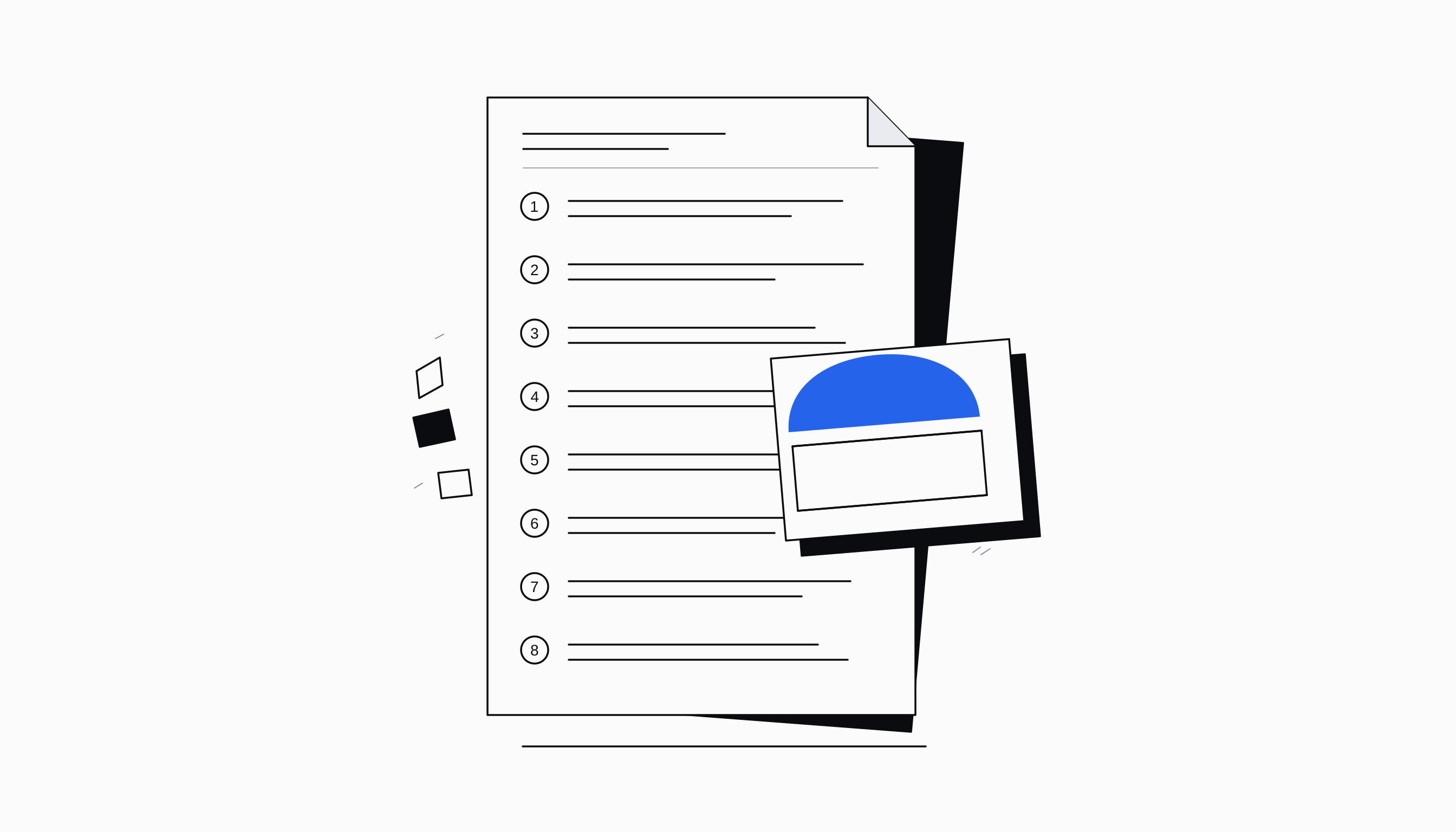
Eight reasons built around your product
Start with a product link, a product from your connected Shopify store or details you supply yourself. The Listicle Builder uses that source to write a short introduction and eight distinct reasons to consider the product, in the language you choose.
The article follows a fixed reading sequence. Images and copy alternate on desktop and stack on mobile. An offer appears after the fifth reason and again at the end, with a persistent action button that takes readers to the offer.
Images that follow the article
Each reason has its own square image. Let the builder create a product scene, write a more specific image brief or upload your own photograph. Product references travel with generated scenes so the visual stays connected to the item you sell.
The offer gallery uses your original product photographs. You can review the copy, replace an image and adjust the brand colours before publication. A page with missing reason copy or missing images cannot pass the publication check.
A landing page or your own bundle checkout
Choose a landing page destination when the reader should continue to your product page. Choose a bundle offer when the listicle should present products, quantities and prices before sending the selected offer to checkout.
The bundle flow uses the same editor and checkout infrastructure as the Advertorial Builder. Each listicle gets its own editable bundle copy, keeping its products, gifts, quantities and discounts separate from changes to another page.
Publish, edit and follow the results
Listicles have their own overview, results list and analytics. Open a generated page to inspect the article, change its copy, update images or review its offer. The setup and publishing flow stay familiar if you already use the Advertorial Builder.
Publish through your connected store and follow views, offer visits, clicks and recorded conversions. The builder uses the shared model configuration, image quota and background processing, so your workspace settings apply to listicles too.
Questions merchants ask
How is a listicle different from an advertorial?
A listicle makes its case through eight short, numbered reasons with matching images. The Advertorial Builder uses its longer editorial sequence. Both share product setup, editing, publishing and bundle checkout.
Can I send readers directly to checkout?
Yes. Attach a bundle offer and choose its checkout destination. The selected products, quantities, gifts and verified discounts follow the reader through the shared checkout flow.
Can I upload my own images?
Yes. Upload one image per reason, or combine uploads with AI scenes. Your original product photos remain available for the offer gallery.
Can I edit a listicle after generation?
Yes. Open it from the listicle results screen to edit the article, images and offer. Review the page before publishing it on your connected store.
One platform. Your whole business.
Ready to automate
your empire?
About 9 minutes to set up. After that, the work that used to wait for Monday morning happens on Saturday night.
Live in about 9 minutes · cancel anytime
Your brand, products and decisions move with every team.