AI page builder for Shopify product pages
The page builder turns a product into a finished page: structure, sections, copy and imagery generated against layouts that already convert, then published to your store when you approve it.
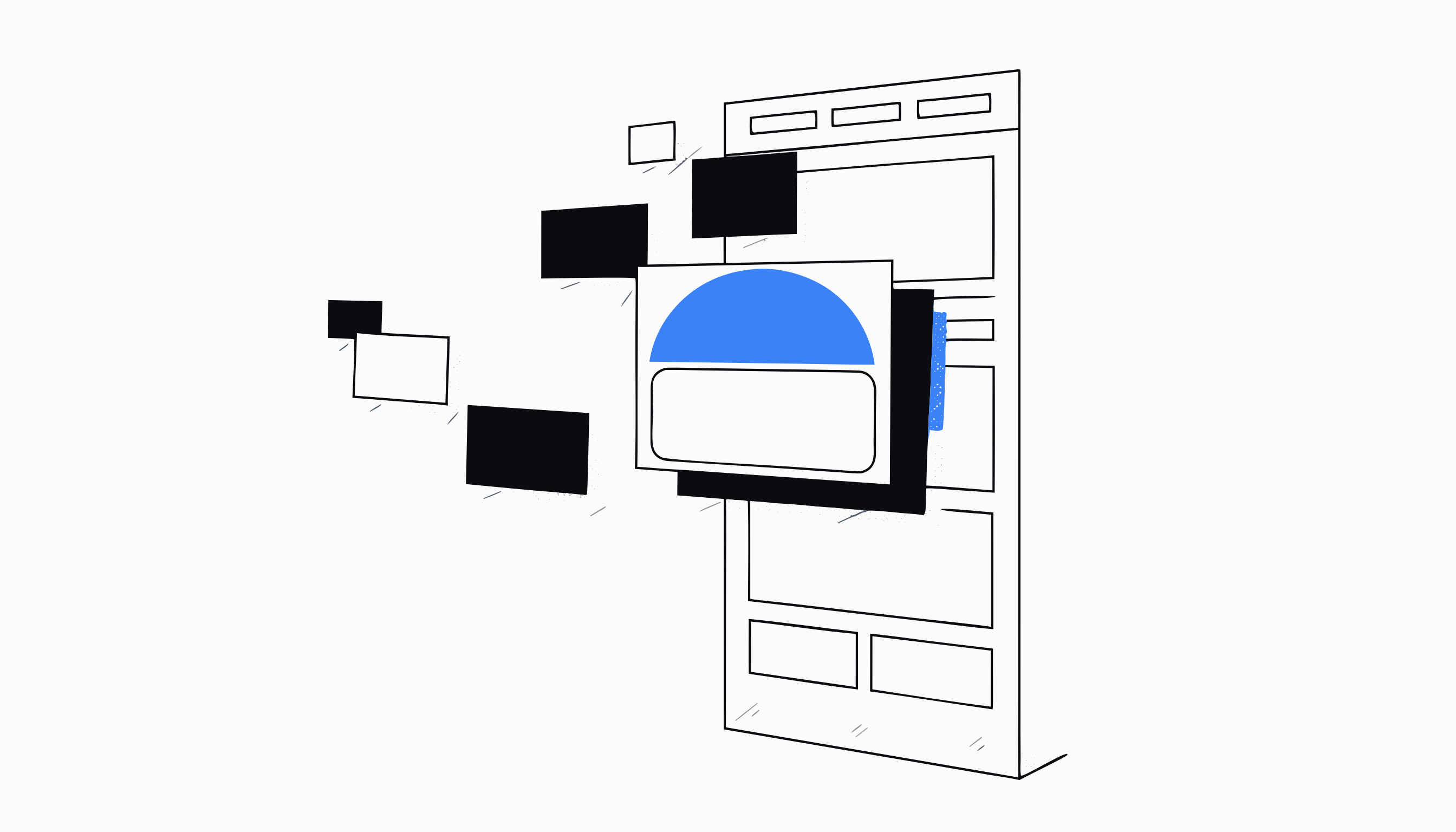
What the AI page builder actually does
The page builder takes one product and produces a finished Shopify product page: the section order, the headlines, the body copy, the imagery and the offer, all generated in one pass. It is the difference between a product that exists in your catalogue and a product that is ready to sell.
It works from three product sources. Paste a competitor or supplier link and Zyberon scrapes and analyses it, pick a product directly from your connected Shopify store, or enter the details manually. Whichever route you take, the same build pipeline runs on the other side.
How a page gets built, step by step
You start in the New Page tab. Choose your product source, pick your niche, set the tone (professional, casual, luxury, technical or friendly) and choose the output language, which defaults to the language your brand profile speaks. Then choose a layout source: a niche preset that is proven for your category, or a competitor page you upload as the reference.
Zyberon generates the page against that layout with strict fidelity: the same structure and the same text density as the reference, checked by an automated vision review before you ever see it. Generated lifestyle imagery is planned per section, and you see the image cost estimate before you commit.
The draft lands in Results, where you can open it, edit every section and image, and publish to Shopify when you are satisfied. You choose whether it publishes as an active page or as a draft in your store, and the Analytics tab tracks it from there.
Standard pages and advanced storytelling pages
Standard mode builds the image led product page most offers need: strong visuals, tight copy, a clear path to the buy button.
Advanced mode builds a complete Shopify OS 2.0 storytelling page from Zyberon sections. The Zyberon product section replaces your theme's buy box with its own title, price, variant picker, add to cart, review widget, top review, stock and shipping lines and payment icons, and you can adjust every part of it in the Shopify theme editor. The same Zyberon product blocks are also available as app blocks, so you can add them to the product page of any Shopify OS 2.0 theme.
Why the output fits your store instead of sounding generic
Every page is written through your brand profile: the Brain holds your voice, your positioning and your default language, and the generator reads it before it writes. Two stores generating a page for the same product get two different pages, because the input is the brand, not just the product.
Layout fidelity works the same way. The page mirrors the reference you chose, whether that is a niche preset or a competitor page you admire, so the structure reflects a decision you made rather than a template everyone else is using.
A workflow a merchant will recognise
You find a product worth testing on a supplier site. You paste the link into New Page, Zyberon scrapes the product, you pick your niche and tone, and generation runs while you do something else. Twenty minutes of review and edits later, the page is published to your store as a draft, you check it on your phone, and you flip it live.
The same afternoon, you point the AI Quiz Builder and the AI Advertorial Builder at the same product. The page closes warm traffic, the quiz catches the undecided, and the advertorial warms the cold clicks, and all three were generated from the same source.
How it hands off to the rest of Zyberon
A page can carry a bundle offer built in the Bundle Builder, so volume deals appear on the page without extra setup. The quiz builder and advertorial builder read from the same store product picker and the same brand profile, so extending one product into a full funnel takes minutes, not a rebuild.
Performance flows back through Analytics, and what you learn there shapes the next page you generate.
Questions merchants ask
Can I build a page from a competitor's product link?
Yes. Paste the link and Zyberon scrapes the product details and images, analyses them, and uses them as the starting point for your own page. You can also upload a competitor page as the layout reference, and the generated page will mirror its structure and text density.
Will it break my theme's add to cart or variant picker?
No. Zyberon adds its own sections to your theme and never edits the theme's own files, so your other product pages keep working exactly as before. An advanced page uses the Zyberon product section, which brings its own variant picker and add to cart on Shopify's standard product form, and you can adjust every part of it in the Shopify theme editor. The Zyberon product blocks are also available as app blocks for the product page of any Shopify OS 2.0 theme.
How is this different from a drag and drop page builder?
A drag and drop builder gives you blocks and an empty text cursor. Zyberon generates the finished page: structure, copy and imagery in one pass, checked against a proven layout, written in your brand voice. You edit and approve rather than assemble from scratch.
Do I control when the page goes live?
Completely. Generated pages sit in Results until you publish them, and when you do publish you choose whether the page lands active or as a draft inside Shopify. Nothing appears on your storefront without your say so.
Is the page builder part of the standard Zyberon plan?
Yes. It is included in the single Zyberon subscription along with the rest of the platform, including the quiz builder, the advertorial builder and the analytics that track what you publish.
One platform. Your whole business.
Ready to automate
your empire?
About 9 minutes to set up. After that, the work that used to wait for Monday morning happens on Saturday night.
Live in about 9 minutes · cancel anytime
Your brand, products and decisions move with every team.