Ad Engine: on brand product ads in every format you run
The Ad Engine sets a product up once: approved images, brand rules and copy guardrails locked in. From there it produces on brand image ads in every format you run, so a new variation costs no new image credits and never drifts from the brand you approved.
What does the Ad Engine do?
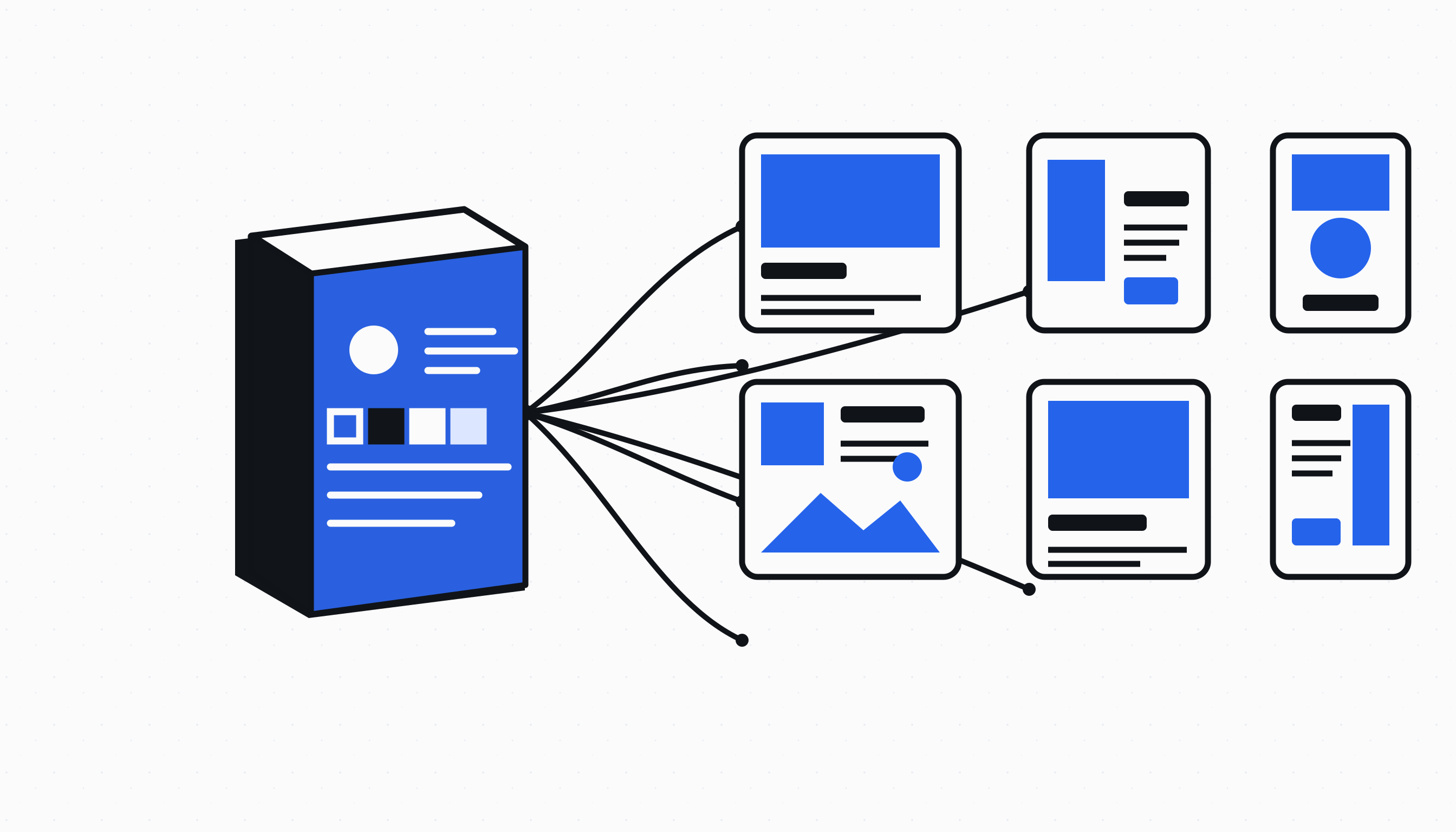
The Ad Engine turns a resolved brand system into repeatable product ads. It takes the logo, type, colours and contrast rules from the Brand Book, then uses the approved source images and product policies you have already set, instead of asking a model to invent a new visual direction every time.
The result is a contact sheet of code rendered ads built from the same defined inputs. Each run has an exact record of the brand system, product association, copy and layout choices that produced it, so a variation remains accountable to the product it is meant to sell.
How does the workflow stay specific to each product?
Product Setup is where you approve the product and lifestyle frames that may be used. A Product Kit then binds those approved frames, an optional cutout, claim rules and layout exclusions to one catalogue product. That policy follows the product into every ad run.
This keeps a product from borrowing another product's photography or wording by accident. It also gives your team one place to decide what a product may claim, which layout types do not fit it, and which source assets are allowed before a contact sheet is made.
Create a contact sheet, then make a controlled new version
Choose the exact products, ad formats, copy angles and layout controls for a run. The Ad Engine combines only the allowed inputs and renders the requested set as a numbered contact sheet, so you can review a real spread of placements and directions before keeping anything.
When a result needs to change, you reopen the frozen run and create an adjusted version. The source run is preserved while the new version records the structured changes, such as surface, density, button treatment, logo placement or layout mix.
Review what passed and save only the ads you want
The contact sheet lets you select individual results for download or saving. Brand Check holds back ads with blocked inputs or rendering findings, while the rest can be written to All Ads in bounded batches for the next campaign workflow.
Rendering, structured changes and remix batches do not consume a new image credit once the approved source assets exist. That makes the Ad Engine useful when you need more controlled variations from a product system that has already been prepared.
Questions merchants ask
Is the Ad Engine another AI image generator?
No. The Ad Engine renders ads from a frozen Brand Book, approved source images and Product Kit rules. It is designed for controlled, repeatable variations rather than inventing a new image for every request.
Can I create ads for more than one product in one run?
Yes. You can select multiple catalogue products for a run. Each product keeps its own approved source assets and Product Kit policy, so the associations stay intact throughout the run and any later version.
What happens when I adjust a run?
An adjustment creates a new version from the frozen source run. The original remains available for review, while the new version records the changed structured controls and produces a new deterministic contact sheet.
Do Ad Engine variations use image credits?
The rendered contact sheet, structured adjustments and remix batches do not use a new image credit after the approved source assets exist. You still prepare and approve the source photography before it can be used in a Product Kit.
Ready to automate
your empire?
About 7 minutes to set up. After that, the work that used to wait for Monday morning happens on Saturday night.
Live in about 7 minutes · cancel anytime