
How to Make On Brand Ads at Scale Without Redesigning
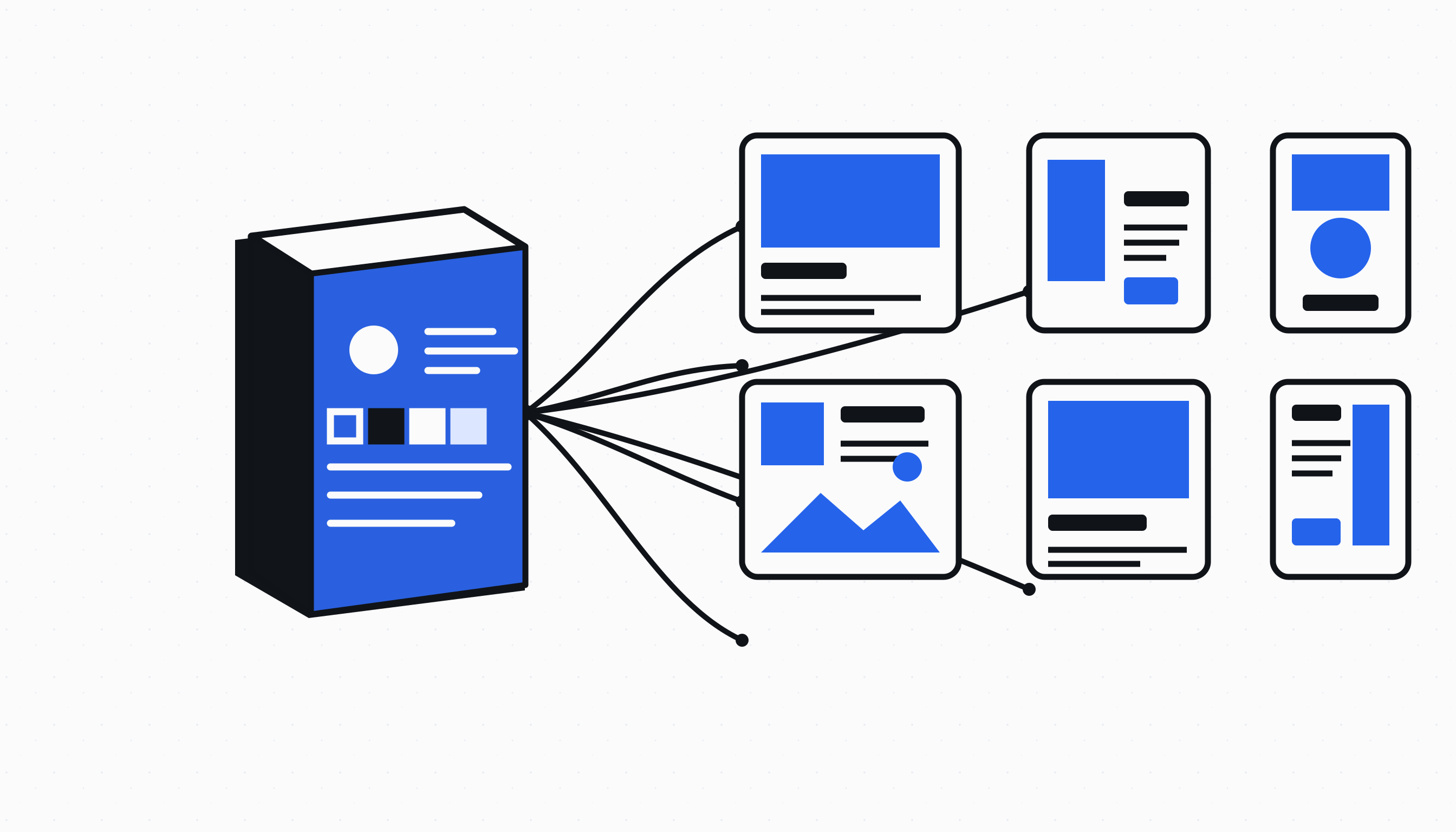
On brand ads at scale do not come from asking an image model to recreate a finished advertisement hundreds of times. They come from separating the expensive visual work from the repeatable layout work. First, approve source images that preserve each product. Then render the logo, typography, offer, call to action and spacing with code against a frozen brand system. That split lets a team make another batch from the same products, change a headline or placement, and keep every decision consistent without starting the image generation process again. It also gives reviewers something precise to approve: the source asset, the layout rules and the copy can each be checked on their own.
Gyllion Redout · September 21, 2026
Why do large ad batches drift off brand?
Large ad batches drift off brand when every variation is treated as a fresh design problem. A new prompt can reinterpret the logo, move the call to action, change the type hierarchy or invent a slightly different product label. Even when each individual result looks plausible, the set stops looking like one campaign because no fixed system owns those decisions.
A manual workflow can drift for the same reason. One designer copies yesterday’s file, another starts from a different template, and a marketer makes a quick text change after export. The differences are small in isolation but visible in a grid: inconsistent margins, changing button shapes, two shades of the same brand color and product crops that no longer share a visual rhythm.
The answer is creative version control. Freeze the approved brand tokens and product assets for a run, identify every adjustment explicitly, and make a new deterministic version whenever one of those inputs changes. A reviewer can then tell whether the batch changed because the headline changed, because a different product was selected or because the brand system itself was updated.
- Freeze the logo, colors, fonts and product assets for every approved run
- Store adjustments as named fields instead of hiding them in a freeform design file
- Render a changed version from those inputs so the same request produces the same result
Which parts of an advertisement should AI create?
AI should create the visual material that genuinely benefits from synthesis, such as a new product scene, background or lighting treatment. It should not be responsible for repeatedly typesetting the same approved headline, placing the same logo or redrawing a call to action whose dimensions are already known. Those are layout decisions, and code can reproduce them more reliably.
This boundary matters most around the product. A source image must preserve the product identity, packaging, unit count, label and silhouette closely enough to pass a strict visual check. Once that source is approved, subsequent layouts should reuse its pixels rather than asking a model to imagine the product again. That avoids turning every copy adjustment into another opportunity for product drift.
The result is a static ad production workflow with a clear cost boundary. Image generation is used for the approved source stage. Logo placement, typography, offers, calls to action, crops and layout variations are code-rendered after that stage. A new text or placement batch therefore does not require another image generation request when the source assets stay the same.
How does a product ad layout system protect the brand?
A product ad layout system protects the brand by turning visual judgment into measurable rules. The system knows which logo file belongs to the run, which surfaces and ink colors have enough contrast, which heading and body fonts are allowed, how much clear space surrounds the mark and where a call to action may sit without covering the product.
Those rules do not eliminate creative range. They define the safe area inside which layouts can vary. A statement card, offer card, split product layout, editorial photograph and testimonial can look meaningfully different while sharing the same type scale, logo treatment, color relationships and spacing logic. Variety comes from composition and message, not from forgetting the brand book.
The Zyberon Ad Engine freezes the resolved Brand Book, selected product visuals, copy set and adjustment history inside each run. A later update to the live Brand Book does not silently repaint an ad that was already approved. To use the new identity, the merchant creates a new run and reviews that output as a new version.
- Treat logo clear space and contrast as pass or fail checks, not suggestions
- Keep product crops inside declared focal bounds so layouts do not cut through the subject
- Make every saved advertisement traceable to its frozen run and adjustment history
How can several products produce exact remix combinations?
Several products produce exact remix combinations when the system builds the Cartesian product of their approved image sets. If four products each have four source images, the complete space contains 4 times 4 times 4 times 4 combinations, which is exactly 256. Every advertisement selects one image from every product, and every possible selection appears once before the sequence is exhausted.
This is different from asking for 256 loosely varied collages. A loose generator can repeat one combination, omit another or place two images from the same product in a sheet. An indexed Cartesian plan has a stable coordinate for each selection. It can be paged in practical batches, retried from an offset and verified for duplicates without materializing the whole space in memory.
Zyberon Multi Product Ads uses AI to create the requested source images for each selected product, applies strict product checks, and waits until the source batch is complete. It then exposes the exact remix count and renders those combinations with code. A 256 variation space can arrive as a first page of 240 and a final page of 16 while still representing one exact, nonrepeating set.
What should an adjustment workflow let a marketer change?
An adjustment workflow should let a marketer change the parts that carry the campaign message while protecting the parts that establish identity. Headline, eyebrow, offer, badge, call to action, text alignment, surface, layout family and crop intent are reasonable structured controls. Replacing an approved product label or stretching the logo is not an adjustment and should remain blocked.
Freeform instructions still have a useful role, but they should be translated into a bounded design change rather than handed to an image model as permission to redraw everything. A request such as “put more emphasis on the offer” can select a stronger offer layout, increase the approved offer scale and produce a new deterministic version. The product and logo remain the same assets.
Batching matters here. A merchant may want twelve versions with one adjustment, review them, then request another twelve from the same source run. The batch size protects the browser and storage path; it should not impose a lifetime limit on how many code-rendered ads the merchant can make from approved assets.
How do you review brand consistent ad variations?
Review brand consistent ad variations in three passes: verify product fidelity first, verify brand rules second, then judge the commercial message. That order prevents an attractive headline from distracting the reviewer from a changed package, and it prevents a technically correct product image from passing with an unreadable logo or call to action.
The product pass asks whether every selected product is actually visible, whether its label and shape match the approved source and whether the crop keeps the important area intact. The brand pass checks the frozen logo, font choices, palette, contrast, spacing and restricted claims. The message pass considers the headline, offer, proof and call to action for the campaign goal.
A useful approval screen shows failures next to the exact rule that failed and refuses to save an output with a blocking finding. It also keeps the source selection and adjustment history visible. That turns review into a repeatable operational step instead of a subjective hunt through exported files.
- Product pass: identity, unit count, label, silhouette and crop
- Brand pass: logo, typography, palette, contrast, spacing and claim policy
- Message pass: headline, offer, proof, call to action and campaign fit
When does this workflow save the most production time?
This workflow saves the most production time when a team needs many controlled variants from the same approved products. Collection launches, regional copy changes, offer rotations, aspect ratio sets and weekly testing batches all repeat visual decisions that should not require a designer to rebuild the file or an image model to reinterpret the product.
It is less useful when the campaign needs a completely new visual world for every advertisement. A fresh location, model, camera concept or product scene belongs in the source creation stage and may deserve another image generation batch. The point is not to avoid generation at all; it is to generate only when the pixels genuinely need to change.
The Ad Engine handles the controlled layout side of that boundary, while Multi Product Ads handles exact source combinations for several products. The Static Ads Maker remains the broader route for new AI concepts and inspired layouts. Together they let a merchant choose whether a request needs new visual invention, deterministic brand production or an exact product remix instead of forcing all three jobs through one generator.
How this compares to the tools you are weighing
Canva
- What it does well
- Canva gives marketers a broad template library and an approachable visual editor, which makes it effective for a person who wants direct control over a single design without learning professional design software.
- Where it stops
- The person editing still owns the consistency work across every product, format and copy version. Templates can preserve a starting structure, but they do not automatically validate product coverage, frozen brand assets or exact Cartesian combinations.
- What Zyberon does instead
- Zyberon turns approved brand and product inputs into deterministic batches, applies a Brand Check before saving and records the run behind each output, so consistency is enforced by the production system rather than remembered by the editor.
AdCreative.ai
- What it does well
- AdCreative.ai can generate a large number of advertising variations quickly and offers scoring and collaboration features, which is useful for teams whose main constraint is getting more initial options into review.
- Where it stops
- A generation led workflow asks the model to make the finished creative again for each round. That is a different control model from freezing approved product pixels and rendering typography, logos and calls to action through deterministic code.
- What Zyberon does instead
- Zyberon separates AI source creation from code-rendered brand production, then lets a merchant make further structured batches from the frozen source run without spending another image credit on unchanged product pixels.
Adobe Express
- What it does well
- Adobe Express combines polished templates, brand kits and accessible editing tools with the wider Adobe ecosystem, which suits teams that want familiar creative controls and easy manual exports.
- Where it stops
- It remains an editor centered workflow. A person still has to assemble and review the product combinations, carry changes across formats and make sure every exported version follows the same approved source and claim rules.
- What Zyberon does instead
- Zyberon plans product coverage and exact combinations before rendering, keeps adjustments structured and saves approved results directly into the same creative library used by the rest of the advertising workflow.
Questions this raises
Do code-rendered Ad Engine batches use image credits?
Not after the approved source assets exist. The Ad Engine composes the logo, text, offer, call to action, crop and layout with code, so creating another structured batch from the same frozen run does not call the image generation provider.
Can one Ad Engine run include several products?
Yes. Every selected product must have an approved Shoot image or cutout, the requested count must cover every selected product, and the planner assigns at least one advertisement to each product before it distributes extra layouts and aspect ratios.
Does Multi Product Ads really create every combination?
Yes. It calculates the exact Cartesian product of the approved source sets and pages through a deterministic permutation without repeats. Four selected products with four images each therefore produce exactly 256 combinations.
Can I change copy without regenerating the product image?
Yes. Headline, eyebrow, badge, offer, call to action, placement and other structured layout fields can produce a new code-rendered version while the approved product pixels remain unchanged.
When should I return to the AI Static Ads Maker?
Use the AI Static Ads Maker when the request needs a genuinely new scene, model, visual concept or inspired layout. Use the Ad Engine when the source assets are approved and the job is precise, repeatable brand production.
Read next
A Meta Ads Creative Testing Cadence for Shopify Stores
A meta ads creative testing cadence for Shopify: how many concepts to run each week, how many variants each needs, and exactly when to kill a loser.
Google Ads vs Meta Ads for Shopify Stores: The Real Difference
Google ads vs meta ads is the wrong debate. The right one is which demand each channel buys, and how to split budget using your own margin and search data.
Shopify Profit Tracking: Find Your Real Margin Per Order
Shopify profit tracking that nets out product cost, shipping, payment fees, ad spend and returns per order, so you see which products actually make money.